Simple Django install on Amazon EC2

I set up an amazon ec2 instance this weekend and as I knew I'd bedoing it again I noted the steps performed. Hopefully they'll be of use to someone.

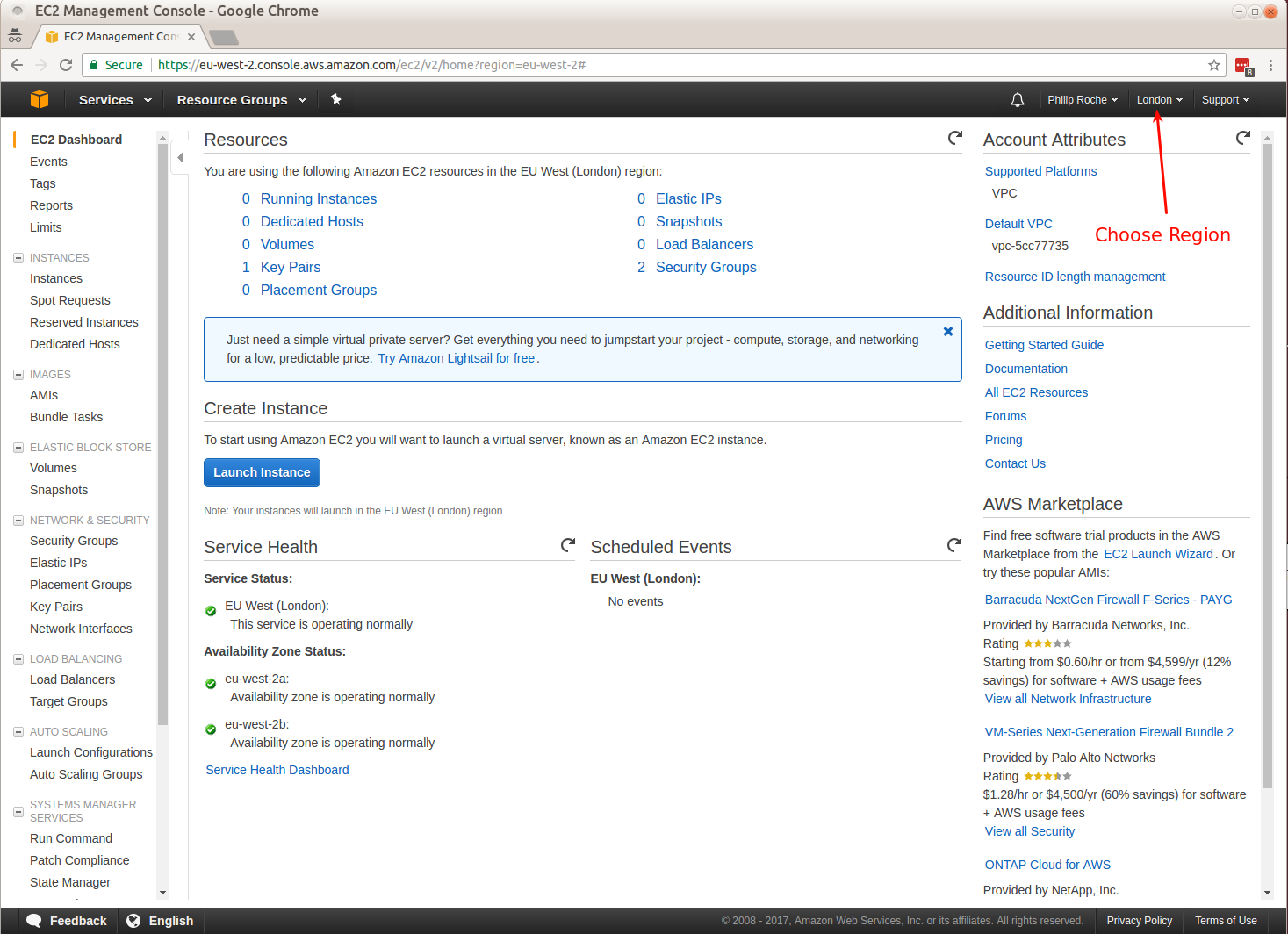
Firstly you need to set up an EC2 account. I'd also recommend downloading ElasticFox(XPIinstaller) which makes it easier to manages instances, volumes andelastic IPs. Also install the EC2API command line tools so you can start and stop instances etc.

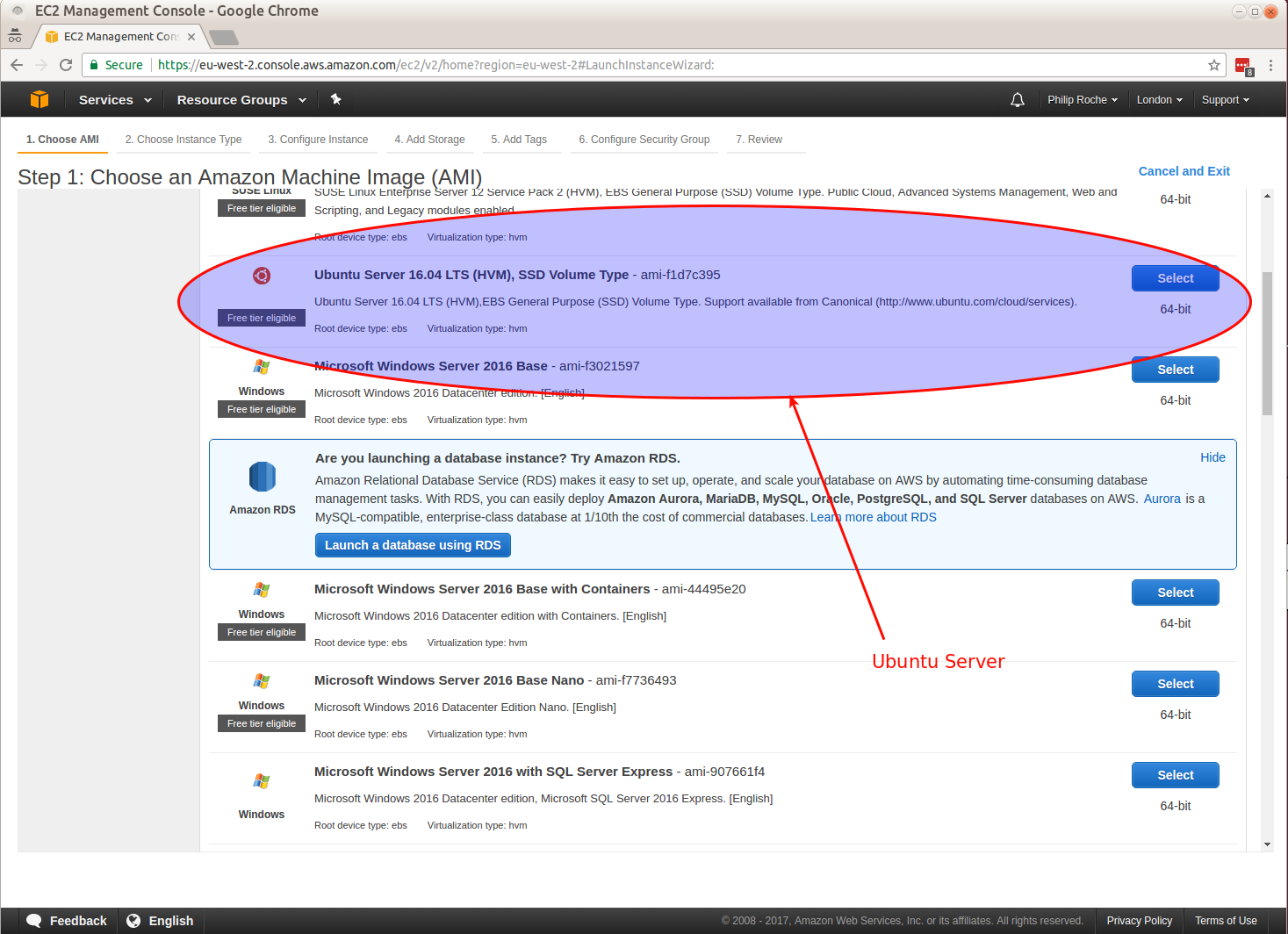
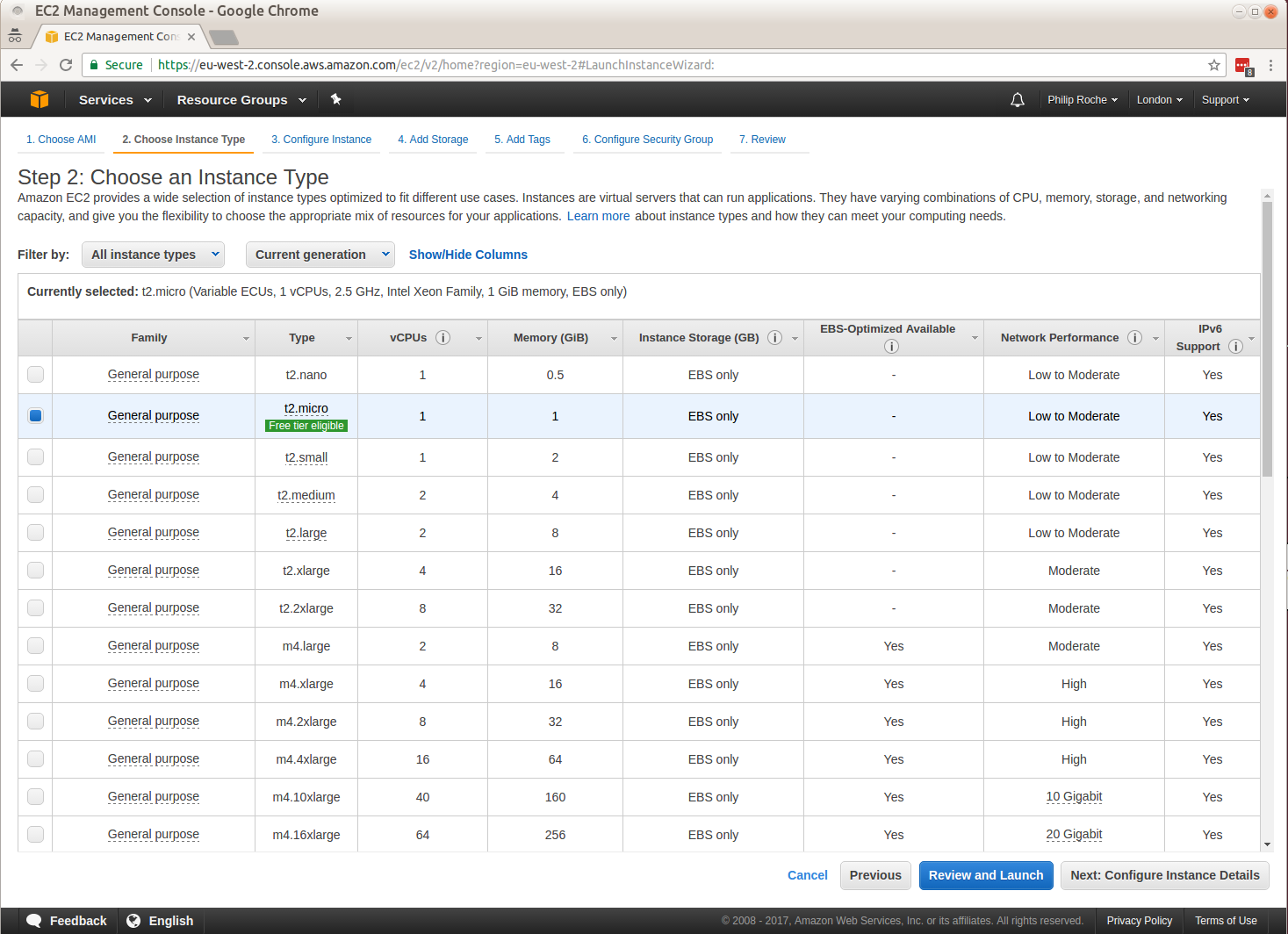
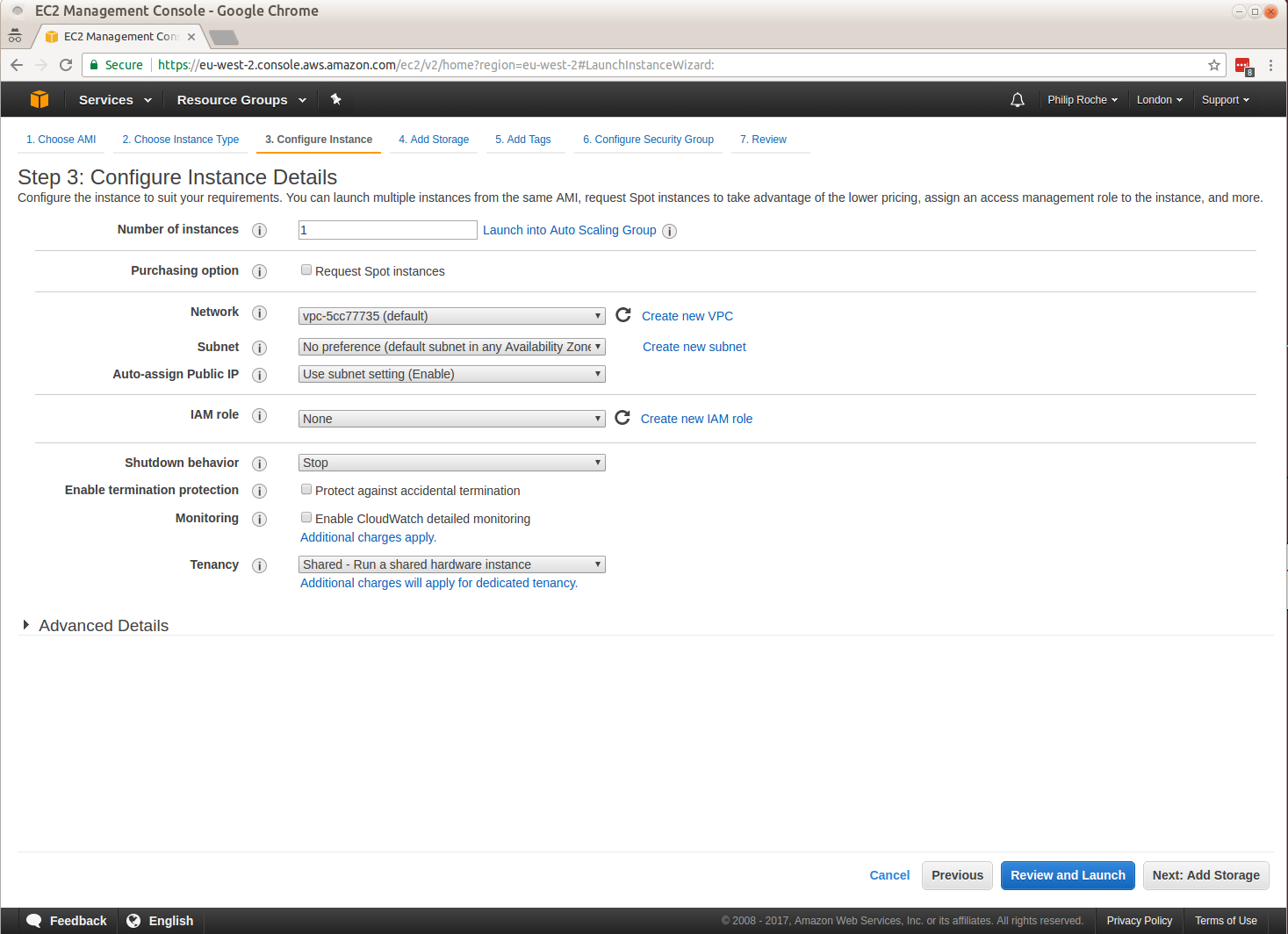
The following guide is what I did to set up an Ubuntu 9.10 instance with EBS volume attached and a basic django install running. Bear the following in mind when reading the guide:

  • References to 79.125.24.49 are to my elastic IP address that I set up using Elasticfox so it will be different for you.
  • "philroche" is the username I use so I'd hope you'd be changing that.
  • pk-XXXXXXXXXX.pem is the private key from the x509 certificate that was generated when creating my account
  • cert-XXXXXXXXXX.pem is the certificate file from the x509certificate that was generated when creating my account
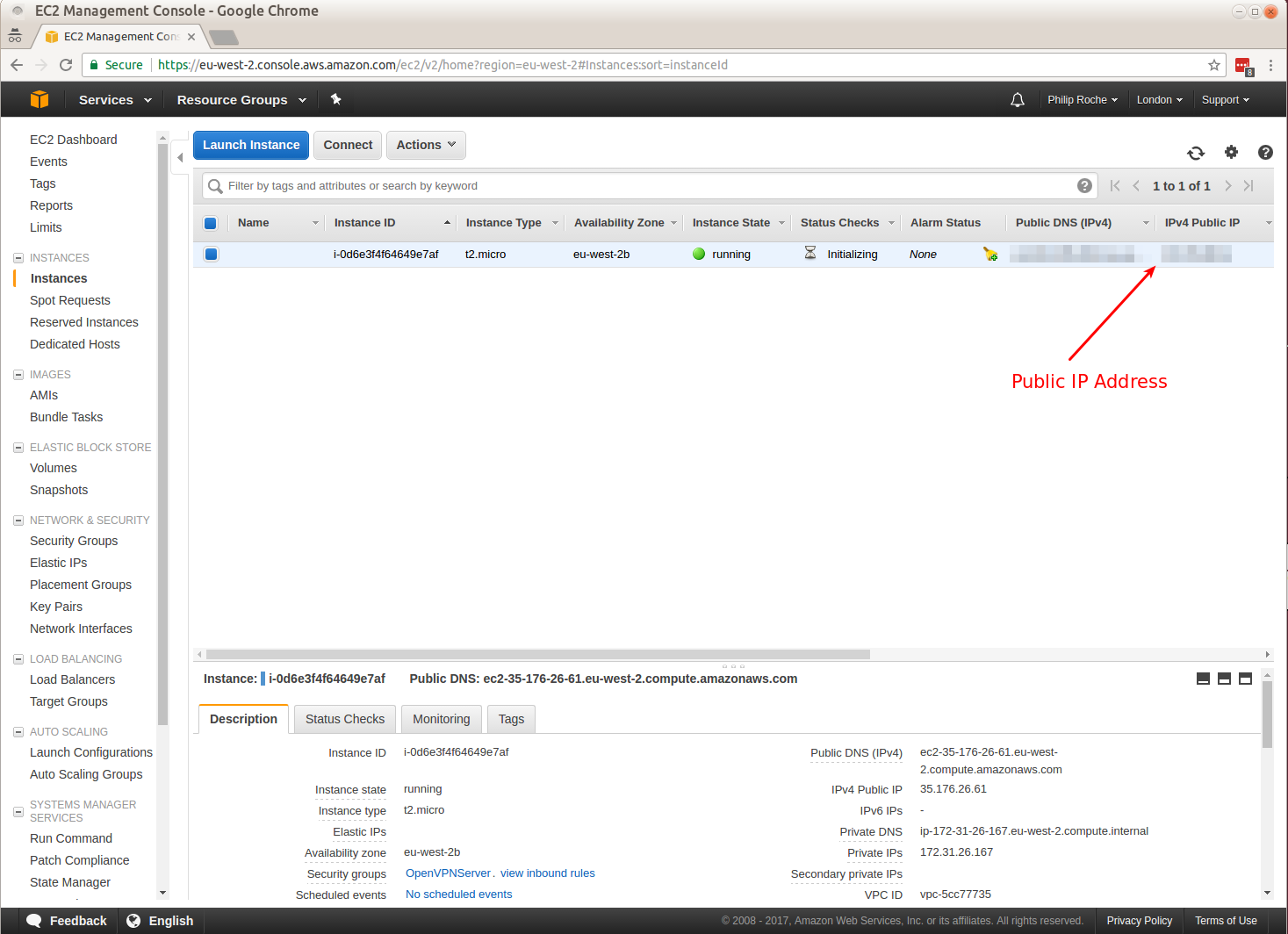
  • i-d820f7af is the instance ID assigned to my instance - this will be different for you
  • ec2-79-125-24-49.eu-west-1.compute.amazonaws.com is the public DNS for the instance I created. This will also be different for you.
  • philrocheEC2Europe.pem is the private key for the generated key pair which was generated during account set up
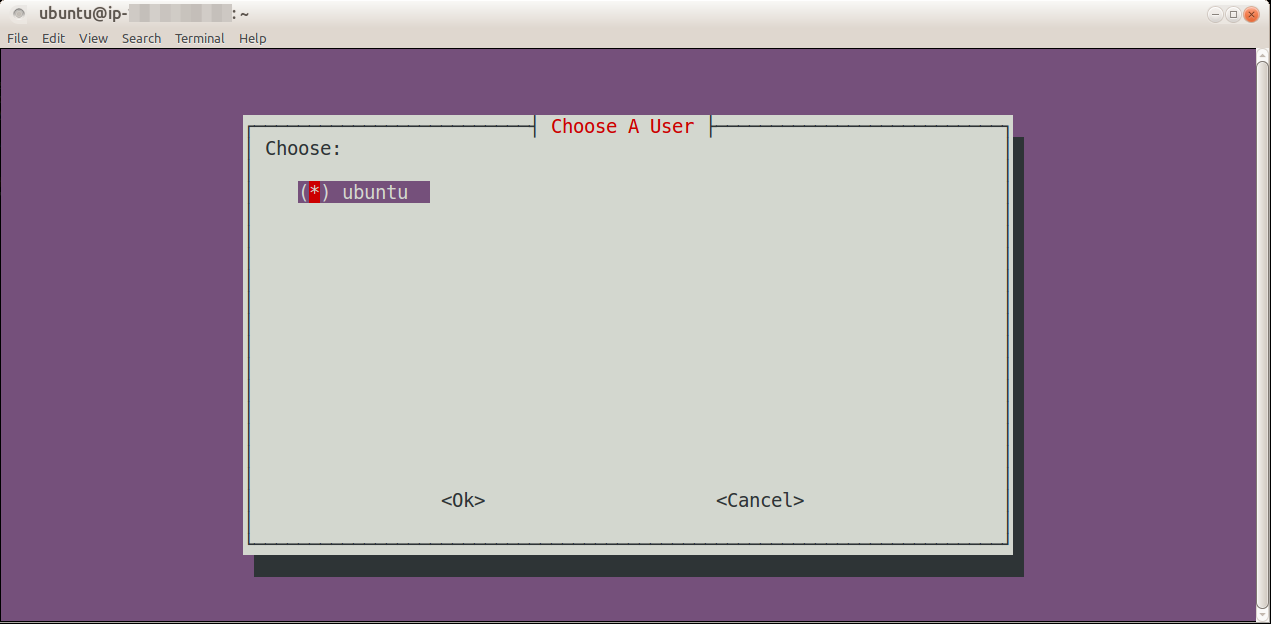
  • The AMI I used (ami-97e4cfe3) has a user "ubuntu" already created that is used for initial login
  • djangoreporting (http://code.google.com/p/django-reporting/)is a simple django app that I used to test the set up.

Seting up Ubuntu 9.10 django install on EC2

  • AMI id = ami-97e4cfe3
  • instance id = i-d820f7af
  • ip address = 79.125.24.49 - I created an elastic IP and assigned it to my instance
  • public dns name =ec2-79-125-24-49.eu-west-1.compute.amazonaws.com
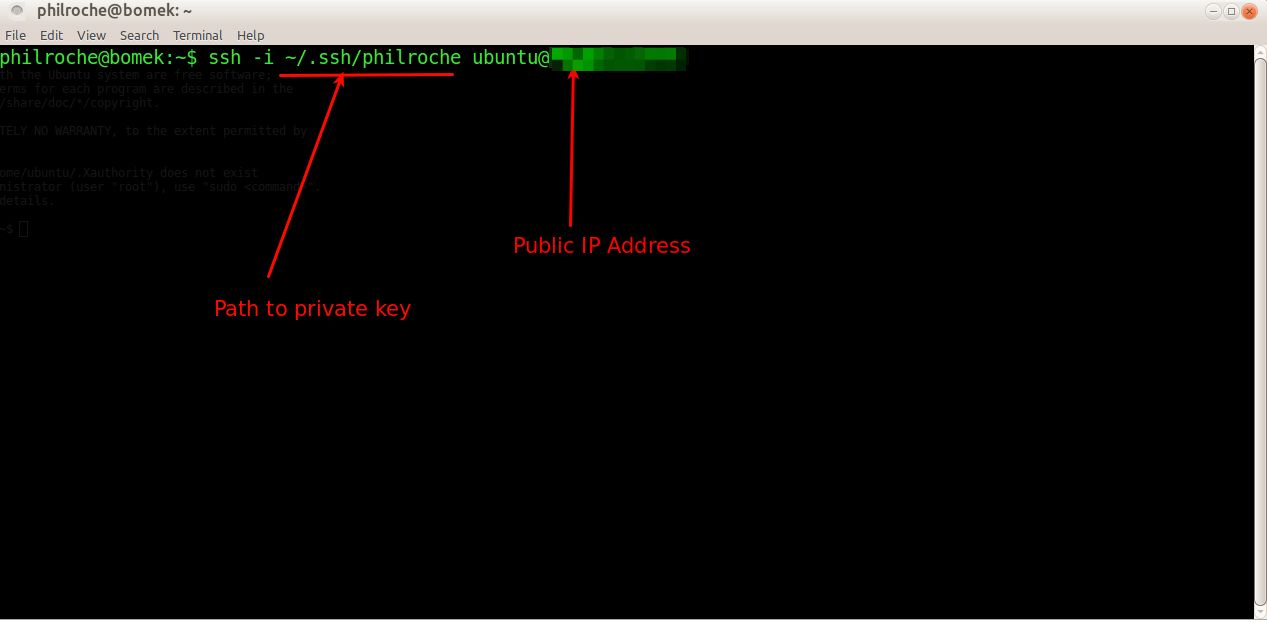
  • login = ssh -i philrocheEC2Europe.pem ubuntu@79.125.24.49 (philrocheEC2Europe.pem is private key generated key pair)
  • enable root user = sudo passwd root
  • change to root user = su
  • add new user = adduser philroche
  • add philroche to sudoers list = visudo
  • add the following to file = philroche ALL=(ALL) NOPASSWD:ALLcheck
  • Disable Password-based Login = nano /etc/ssh/sshd_config
    • check for PasswordAuthentication no
  • check root login is disabled
    • PermitRootLogin no
    • AllowUsers philroche ubuntu
  • restart sshd to take affect = /etc/init.d/ssh restart
  • create .ssh directory for philroche user to store public key =mkdir /home/philroche/.ssh
  • generate key pair LOCALLY in your users' .ssh directory = ssh-keygen -b 1024 -f philroche -t dsa
  • make temp directory to upload public key = mkdir /home/philroche/tmp
    • chmod 777 /home/philroche/tmp
  • upload public key from LOCAL .ssh directory = scp -i philrocheEC2Europe.pem /home/philroche/.ssh/philroche.pub ubuntu@79.125.24.49:/home/philroche/tmp
  • login again and authorize this key = ssh -i philrocheEC2Europe.pem ubuntu@79.125.24.49
  • authorize the philroche user with uploaded public key = cat/home/philroche/tmp/philroche.pub >> /home/philroche/.ssh/authorized_keys
    • chown philroche:philroche /home/philroche/.ssh
    • chmod 700 /home/philroche/.ssh
    • chown philroche:philroche /home/philroche/.ssh/authorized_keys
    • chmod 600 /home/philroche/.ssh/authorized_keys
  • Delete the tmp directory = rm -rf /home/philroche/tmp
  • Now login as new user (philroche) = ssh philroche@79.125.24.49
  • Install require software = su
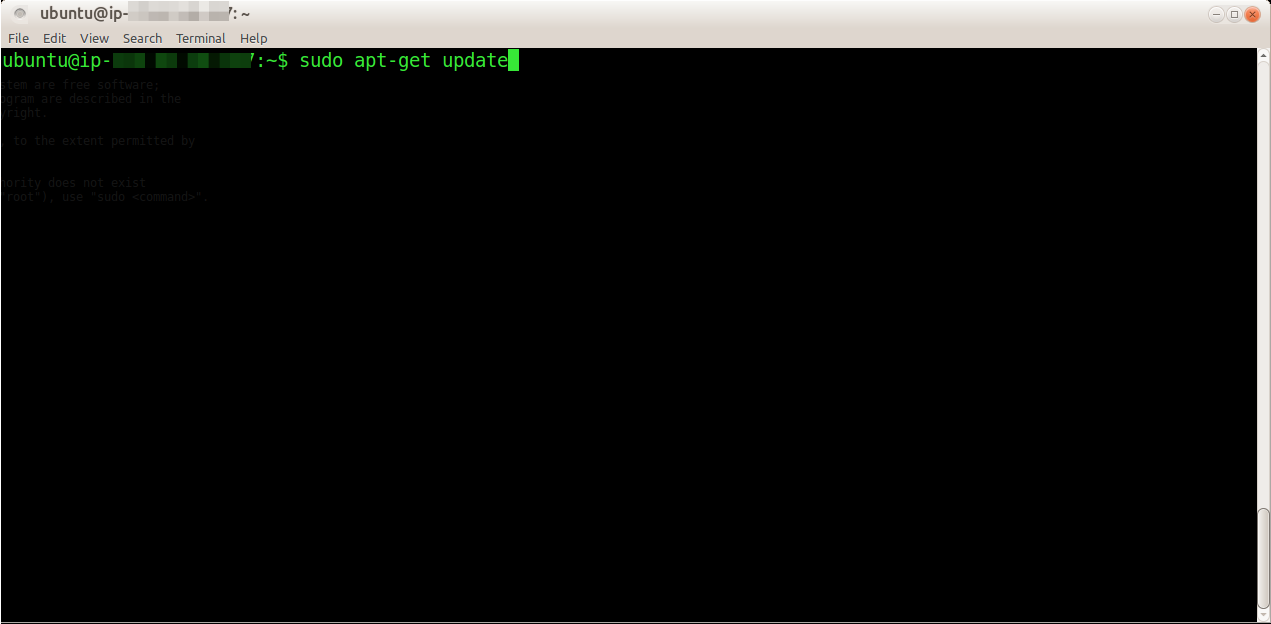
    • apt-get update
    • apt-get install apache2 python2.5 mysql-server mysql-client libapache2-mod-wsgi python-mysqldb python-setuptools subversion
    • NOTE - You will be prompted for mysql root password
  • enable the modules
    • a2enmod rewrite
    • a2enmod wsgi
  • make sure wsgi is using python2.5
    • rm /usr/lib/apache2/modules/mod_wsgi.so
    • ln -s /usr/lib/apache2/modules/mod_wsgi.so-2.5 /usr/lib/apache2/modules/mod_wsgi.so
  • add virtual hosts by name support to apache
    • nano /etc/apache2/apache2.conf
    • make sure 'NameVirtualHost *' is present
  • install django = easy_install-2.5 django
  • Setting up sample app
    • nano /etc/apache2/sites-available/djangoreporting
    • a2ensite djangoreporting
    • mv /home/philroche/Sites/djangoreporting/reporting /usr/lib/python2.5/site-packages
    • echo '/home/philroche/Sites/djangoreporting' >> /usr/lib/python2.5/site-packages/people_example.pth
    • mysql --user="root" --password="%Your root password%"
      • create database djangoreporting;
      • CREATE USER 'djangoreporting'@'localhost' IDENTIFIED BY 'djangoreporting';
      • GRANT ALL ON djangoreporting.* TO 'djangoreporting'@'localhost';
      • exit
  • LOCALLY nano /etc/hosts - add 79.125.24.49 djangoreporting
  • /etc/init.d/apache2 restart python2.5 manage.py syncdb --noinput
  • To manage your instance
    • export EC2_HOME=$HOME/Applications/ec2-api-tools-1.3-46266/
    • export PATH=$PATH:$EC2_HOME/bin
    • export JAVA_HOME=/usr/lib/jvm/java-6-sun-1.6.0.15/
    • exportEC2_PRIVATE_KEY=/home/philroche/EC2InstanceSetUp/pk-XXXXXXXXXX.pem
    • exportEC2_CERT=/home/philroche/EC2InstanceSetUp/cert-XXXXXXXXXX.pem
    • sh ec2-describe-instances --region eu-west-1
    • sh ec2-stop-instances --region eu-west-1 i-d820f7af
    • sh ec2-start-instances --region eu-west-1 i-d820f7af
    • NOTE - when stoppped and restarted you have to re-associate the IP address

Mapping "djangoreporting" to 79.125.24.49 in my hosts file lets methe test the server by accessing http://djangoreporting/

Links of interest:

Dublin- Clare in just over 2 hours

The new motorway between Dublin and Galway is now complete and open all the way down now. Because of this I managed to get down from Dublin to my Dad's place near Ballyvaughan in just over two hours. Only a few years ago the journey used to take over 4 hours. For once I saw the justification of my road tax.

Gleninagh Quay

Django project dependency management and deployment

I'm not our server admin here at Ticket-Text but the whole issue of project dependency management and deployment does interest me. As such I've been looking at ways to help and have compiled the following list of what I have found most useful. I admit I have not read all of these yet but Fabric and virtualenv do definitely seem to be standard now for any django project and they could save alot of work. I'll let you know how we get on.

Some Djangocon 2009 videos that might be of interest (I have the videos in mp3 format if anybody wants them). The slides are also available @ http://djangocon.pbworks.com/Slides.

If you're looking for a simpler way to deploy SVN changesets check out my python script SVNArchiveByChangeset which still works a treat for packaging SVN changesets as a zip or tar file.

Encoding all files in a directory using ffmpeg

The wonderful folks in the Django community have uploaded all the videos from Djangocon 2009. I've downloaded them but needed to convert them to mp3 so I could listen to them on my commute.
I used the ever awesome ffmpeg

for f in *.ogv; do ffmpeg -i "$f" -acodec libmp3lame -ab 256k "${f%.ogv}.mp3"; done

Ran out space on virtual machine (Virtual Box)

I use VirtualBox OSE for my virtual machines and really love it. I tried to change to the non-free VirtualBox (so I could use USB) but moving from one to the other in Ubuntu was not a simple process and eventually I rolled back (thank Christ for CloneZilla).

I've got a Win XP virtual machine with a 10GB hard disk which was getting full so I needed to expand it. The simplest way I found was to use the excellent CloneVDI tool. The tool runs perfectly under wine so I was able to double the size of the disk.

This did not however increase the size of the C drive in Win XP so I installed Partition Magic and resized C to take all available space. Now I've got a Win XP virtual machine with tons and tons of space :)
Bloggy mcBlog Blog

Happy New Year fockers!!!!

Christmas 2009 Robin

In the wake of the interest surrounding http://project52.info/ and Matt's return to the blogging world, I'm going to try and get blogging a bit more (I know I've said it before). I've alot going on at the moment - work, GAA starting back, Kettle Bell and my Masters so surely I have something interesting to write about.
My main dev machine is now a linux machine (Ubuntu 9.10) and to say I've learned alot in setting it up as I want is an understatement. I know more about raid arrays now than I ever have and still I can't keep them in sync. I also plan on doing a bit of work with Amazon EC2 which should be very interesting.

My mum is currently taking two art courses, one of them in NCAD, so for christmas myself and my bro bought her a Canon 500D which I reckon I will be "borrowing" quite a bit. It's amazing the difference in photos between it and my Olympus compact. I've uploaded my Christmas, OZ and 30th photos already and I aim to keep the gallery up to date. I also plan on moving from photoshop elements to another application but I can't find any that I like that also supports video and that I can hack to support my export script. Any recommendations?

Movember madness

Just signed up for Movember - I'll be looking for donations soon http://ie.movember.com/mospace/20370 You've been warned!

Selenium RC supported browsers

I searched and searched through the Selenium documentation but could not find a list of the supported browsers and their start commands. So I ran off in a huff and downloaded the source to find the list that way and voila :

From - trunk\server-coreless\src\main\java\org\openqa\selenium\server\browserlaunchers\BrowserLauncherFactory.java#47

  • firefoxproxy = FirefoxCustomProfileLauncher
  • firefox = FirefoxLauncher
  • chrome = FirefoxChromeLauncher
  • firefoxchrome = FirefoxChromeLauncher
  • firefox2 = Firefox2Launcher
  • firefox3 = Firefox3Launcher
  • iexploreproxy = InternetExplorerCustomProxyLauncher
  • safari = SafariLauncher
  • safariproxy = SafariCustomProfileLauncher
  • iehta = HTABrowserLauncher
  • iexplore = InternetExplorerLauncher
  • opera = OperaCustomProfileLauncher
  • piiexplore = ProxyInjectionInternetExplorerCustomProxyLauncher
  • pifirefox = ProxyInjectionFirefoxCustomProfileLauncher
  • // DGF pisafari isn't working yet
  • //pisafari = ProxyInjectionSafariCustomProfileLauncher
  • konqueror = KonquerorLauncher
  • mock = MockBrowserLauncher
  • googlechrome = GoogleChromeLauncher

Enjoy

A concious effort to blog more

As you've probably noticed I've not been blogging much. _LOADS_ has happened since I last updated-

Finally moved house since moving back from Wales now living with my buddy Dools in this lovely house, 5 bedrooms don't you know :)

College Gate House

I ventured down to Oxegen again this year and to say mayhem ensued is very much an understatement - those that have seen the videos know exactly what I mean.

Oxegen '09

My Dad is making great progress on his latest building project and I've been down there quite a lot helping out. The plan is to have my 30th there but I'm not too sure he's too impressed with that suggestion.

Clare Visits 2009

I'm now a contractor and currently working in Intel as Tech Lead on a .Net project. Intel is a great place to work but working with .Net again (ASP.NET with web forms etc.) makes me understand how much I was loving Django development. Thankfully there is NDjango and Bistro which I will be pushing for any future projects in here. Two more observations from being back in .Net world - Visual Studio is hands down the best IDE I have worked with (Resharper installed of course). TFS is hands down the worst VCS I have ever worked with.

Tri trio – Fingal sprint 2009

Last Sunday myself and Frank competed in another sprint triathlon and managed to convince Alan to join usĀ  - the Fingal Sprint 2009 was a great success despite the weather and a phantom puncture.

img_1420web

Myself and Frank were in the same lane for the swim which was great as it gave me someone I knew to chaseĀ  in the pool (he kicked my ass!).

img_1382web

Franks in the red cap, I'm in the white.

img_1413web

I managed to knock over 8 minutes off last years time and came a respectable 48th/280 with a time of 1:15:10.

I did get a phantom puncture which I only realised when putting the bike back on the car after the race - very lucky it didn't happen in the race.

Alan was so cocky during his first transition (wardrobe change) he even went for a tuna-melt bagel (I'm not too sure I believe this but it's the only way to explain the three and a half minute transition :) )

Till next year..

Thanks to Frank's wife Nicola for the photos :)